Adobe InDesign
Please package your InDesign files so all links and fonts are included.
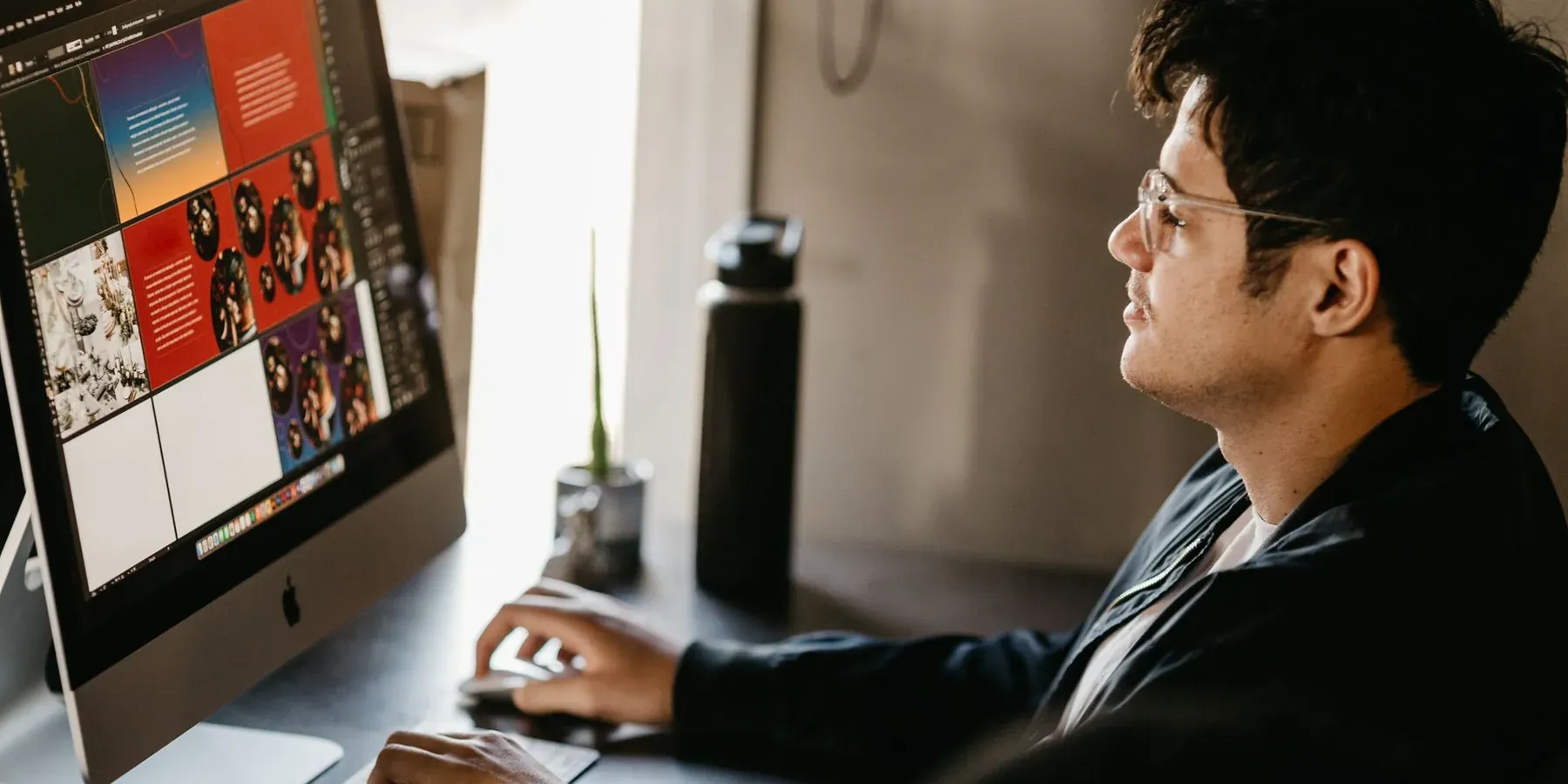
Good artwork helps your project move more smoothly from idea to production.
Whether you’re sending a finished design, your logo, photographs, or editable artwork, these guidelines can help you prepare your files before submitting them to Keener Marketing.
Please package your InDesign files so all links and fonts are included.
Please export your finished artwork as a PDF whenever possible.
We can also accept Adobe Photoshop and Adobe Illustrator files. If you’re unsure whether your file will work, send us the best-quality version you have and we’ll review it.
If colors, photographs, or graphics extend all the way to the edge of your finished piece, your artwork must include bleed. This allows the artwork to extend beyond the final trim line and helps prevent unwanted white edges after cutting.
Important text should remain at least a quarter inch from the trim edge. This helps protect important information from being placed too close to the finished edge.

No Question Is Too Small.
We’d love to include them. For the best print quality, photographs should be high-resolution digital images, at least as large as they will appear in the finished piece, and approximately 300 dpi at the intended finished size.
High-quality customer-supplied photographs can be incorporated at no additional charge. Additional fees may apply if photographs require editing to make them print-ready.
Avoid when possible:
High-quality digital logos are always welcome. If your logo was created professionally, send the original files whenever possible. Accepted logo formats may include:
When providing editable artwork, make sure all required fonts are included. For InDesign projects, packaging your file should include the fonts and linked artwork needed for production.
Full-color printing typically uses the CMYK process: cyan, magenta, yellow and black. These four colors work together to reproduce photographs and a wide range of colors. If maintaining specific brand colors is important, send us your brand information along with your artwork.
If anything about your files, proofs, shipping, or timeline is unclear, call or email us. A real person from our Dayton team will help you sort it out.
It is faster than guessing, and it usually saves a reprint.
Send us the best files you have and let us know what you’re creating.